返回 Prompt咒语
Prompt 效果预览
核心指令
High-fidelity 3D software interface screenshot, 3D software (dark theme) in developer/debug mode, ultra-detailed precision UI, hyper-realistic render + technical diagnostics overlay, crisp, high-resolution screen capture.3D software layout visible: top menu & workspace tabs (Layout, Modeling, Shading, Rendering), outliner (structured hierarchy), properties panel (render, materials, scene, camera expanded), timeline (frame indicators), left toolbar, bottom debug console.

Developer overlays ON: FPS, frame time (ms), GPU/CPU usage, VRAM, polygon count (tris/verts), object stats, render samples, camera transform data.
Three vertically stacked viewport panels (9:16): • Front (orthographic feel)• Three-quarter (slight perspective)
• Side profile

Each with grid, XYZ gizmo, bounding box, pivot, camera guides.
Same objects in all panels, facial identity locked, neutral expression, anatomically consistent.

Real-time 3D engine + physically based rendering hybrid rendering: cinematic lighting, path tracing, global illumination, ray tracing, soft shadows, subsurface scattering, accurate reflections.Debug material blend: photorealistic render + glowing wireframe + partial topology + subtle heatmap/normal hints, seamlessly merged.

Shader/node indicators visible: PBR nodes, texture slots (albedo/normal/roughness), floating debug labels, mesh density tags.
Viewport environment: dark grey gradient, fine grid, clean technical workspace.

Dense UI: compact icons, sliders, numeric values, toggles, sharp anti-aliased text, no empty space.

True screen capture look, ultra-sharp, no DOF or blur.
推荐 Prompt
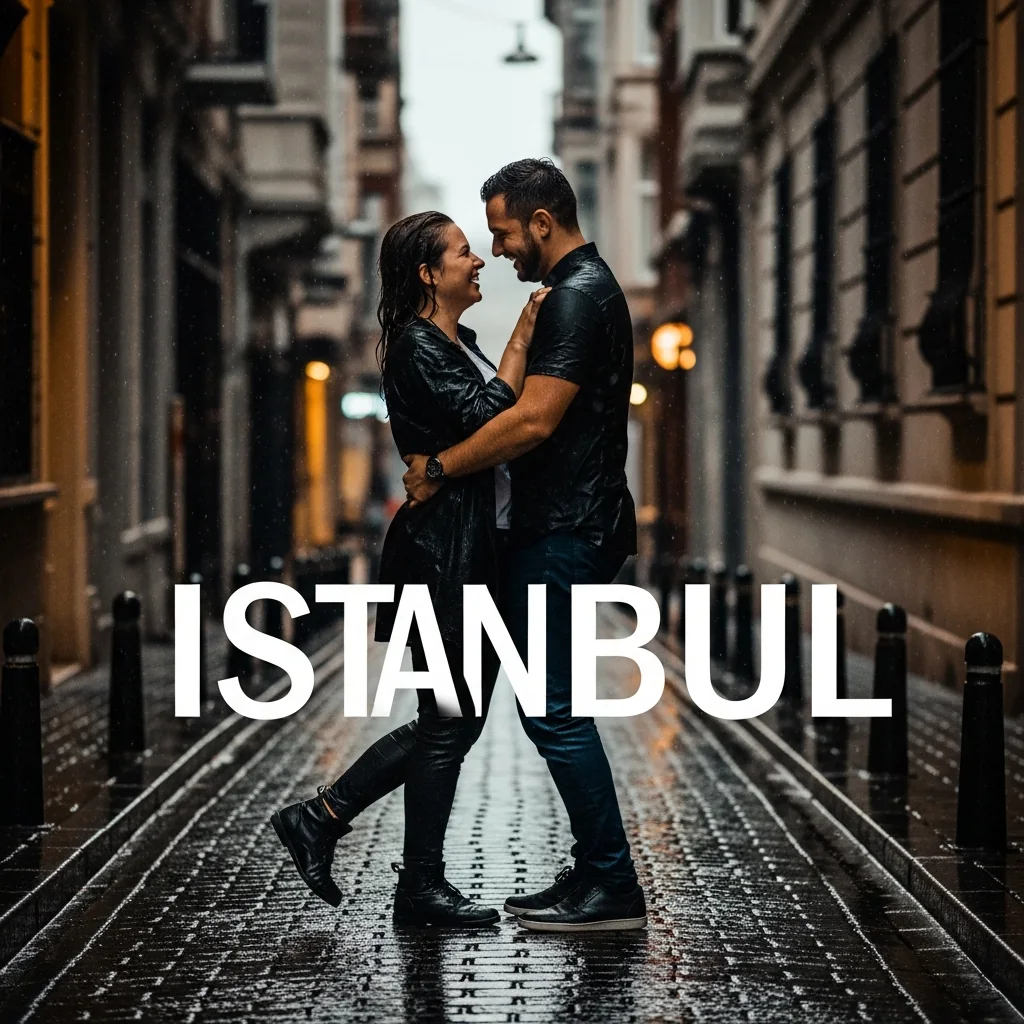 AI
AI伊斯坦布尔:雨中情侣
#摄影#创意#Edit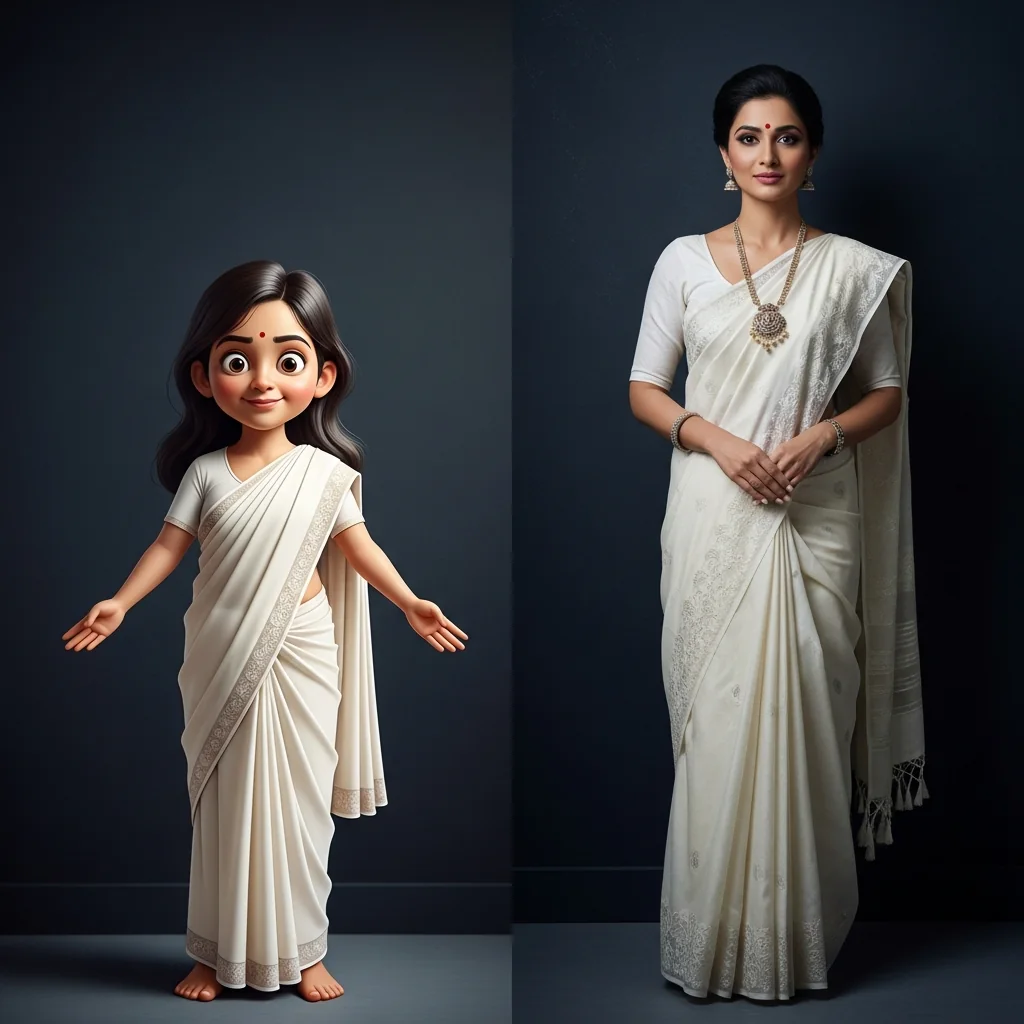 AI
AI双重优雅:传统纱丽女性
#摄影#Edit#创意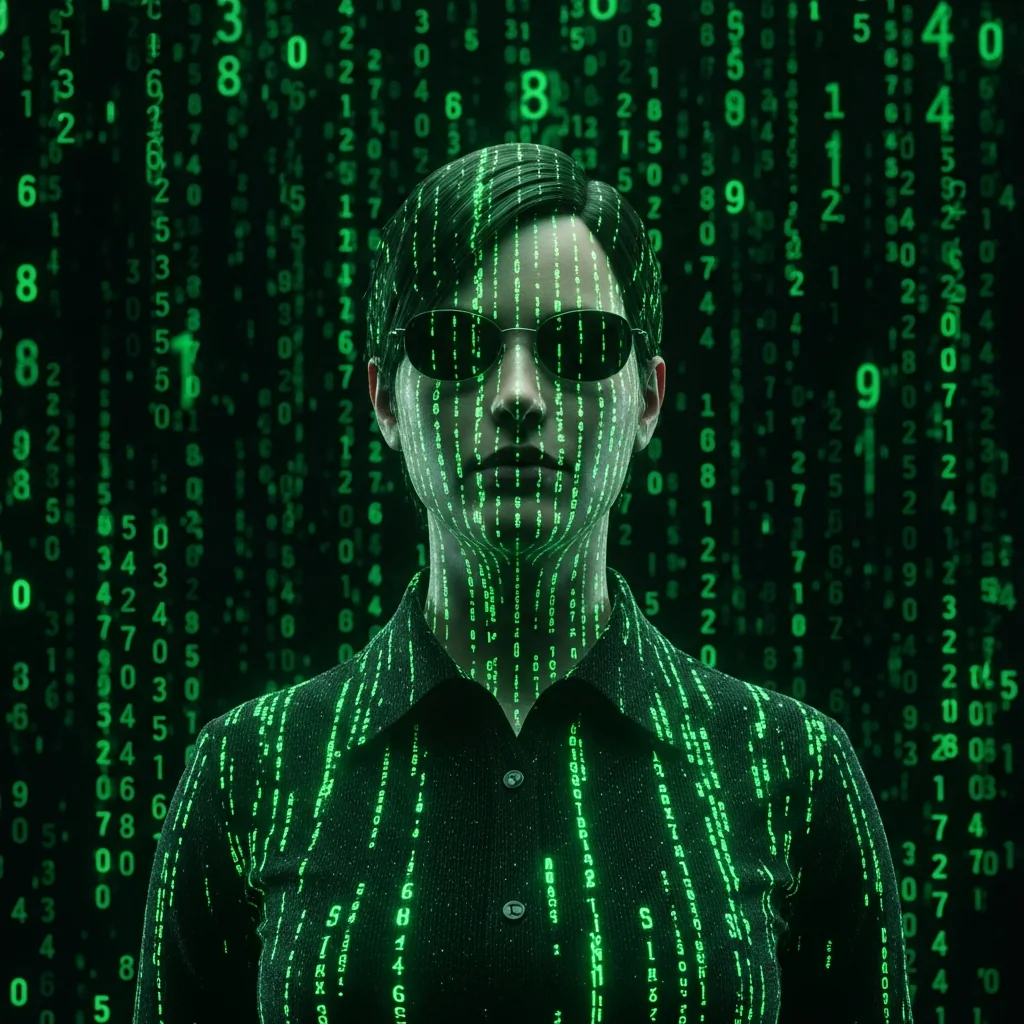 AI
AI数字代码雨
#创意#Edit#摄影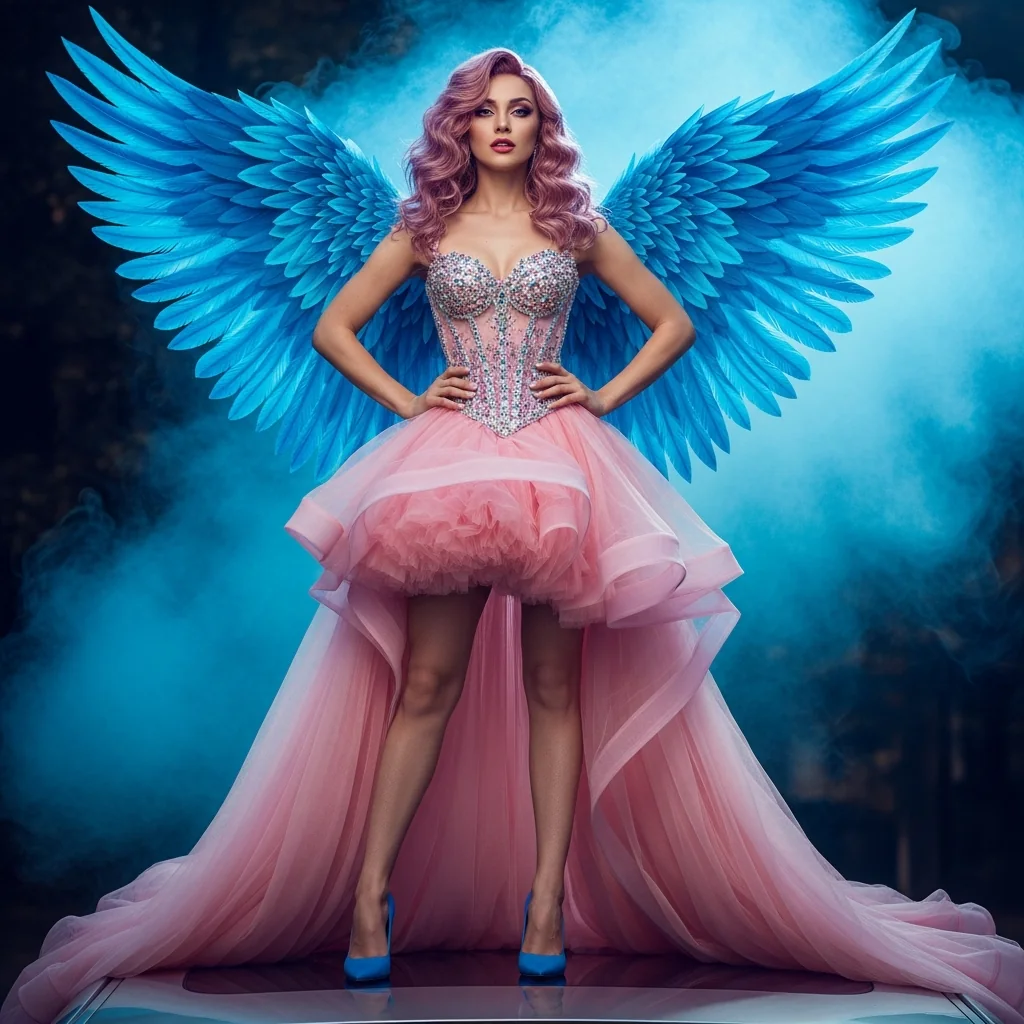 AIVIP
AIVIP奇幻时尚:AI名伶对决
#摄影#创意#Edit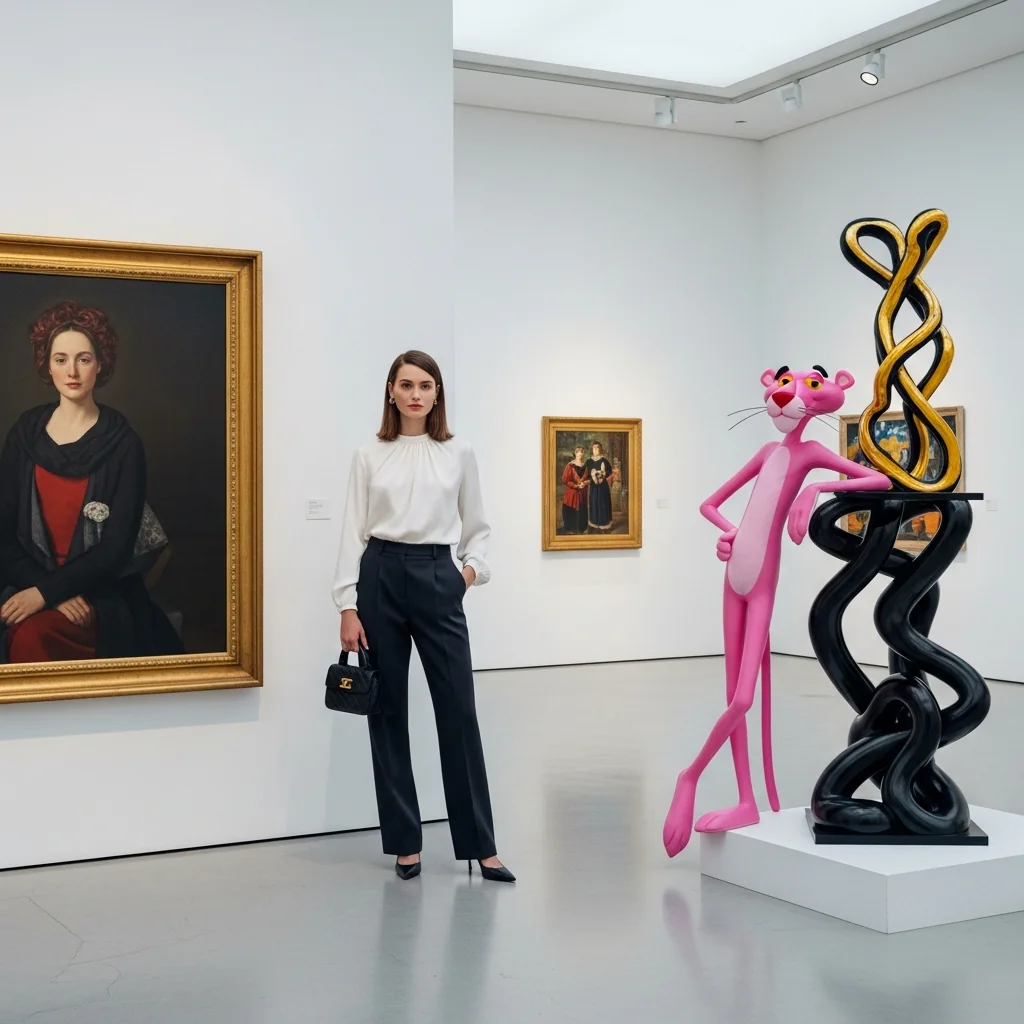 AI
AI画廊里的时尚邂逅
#摄影#Edit#创意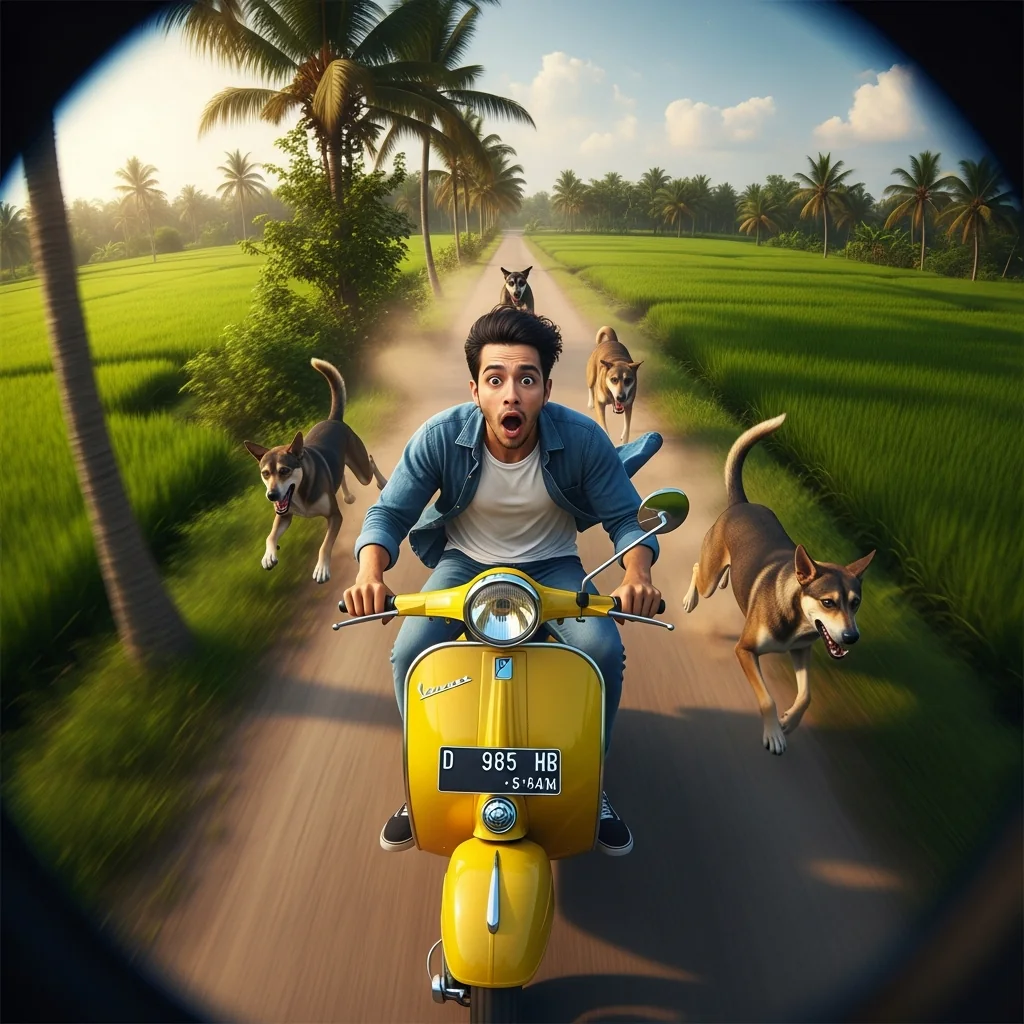 AI
AI鱼眼自拍:稻田里的复古踏板车追逐
#创意#摄影#Edit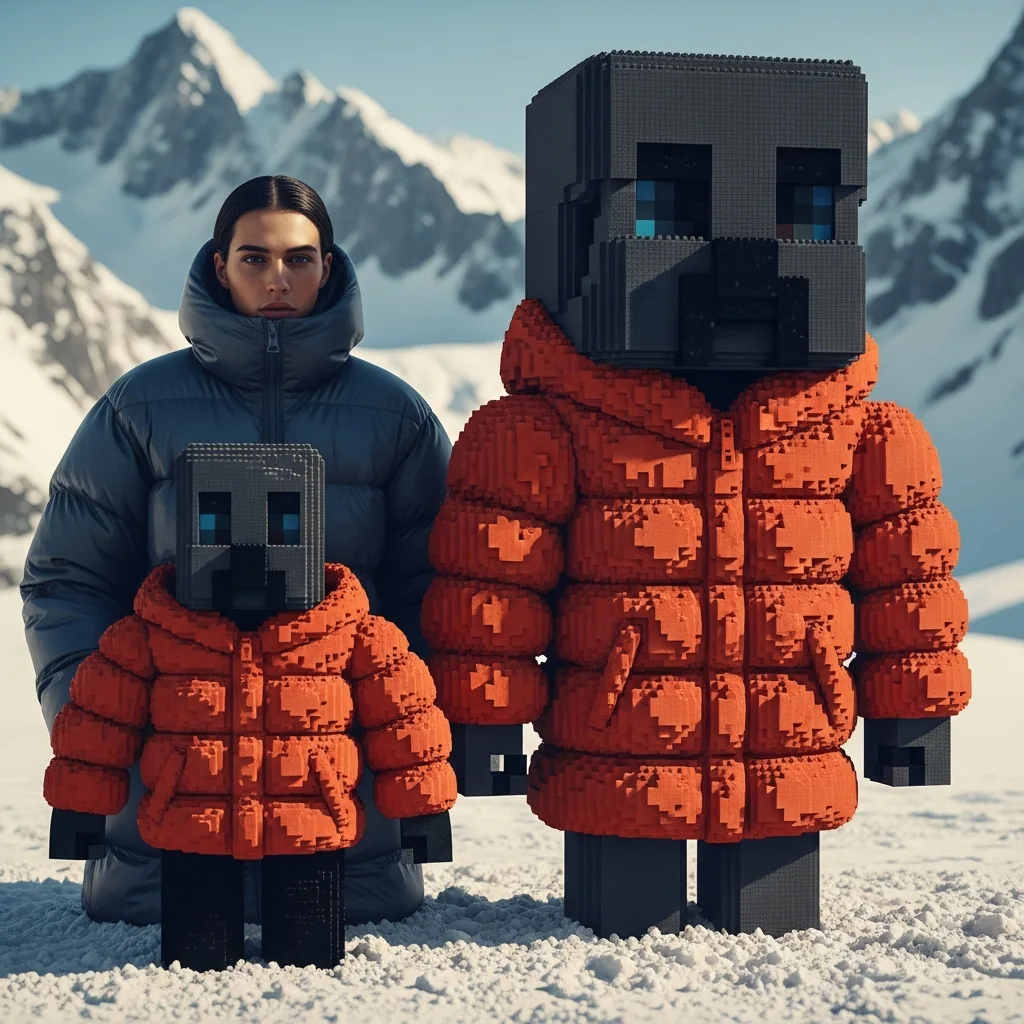 AI
AI从现实到像素:方块沙盒游戏分身
#摄影#Edit#创意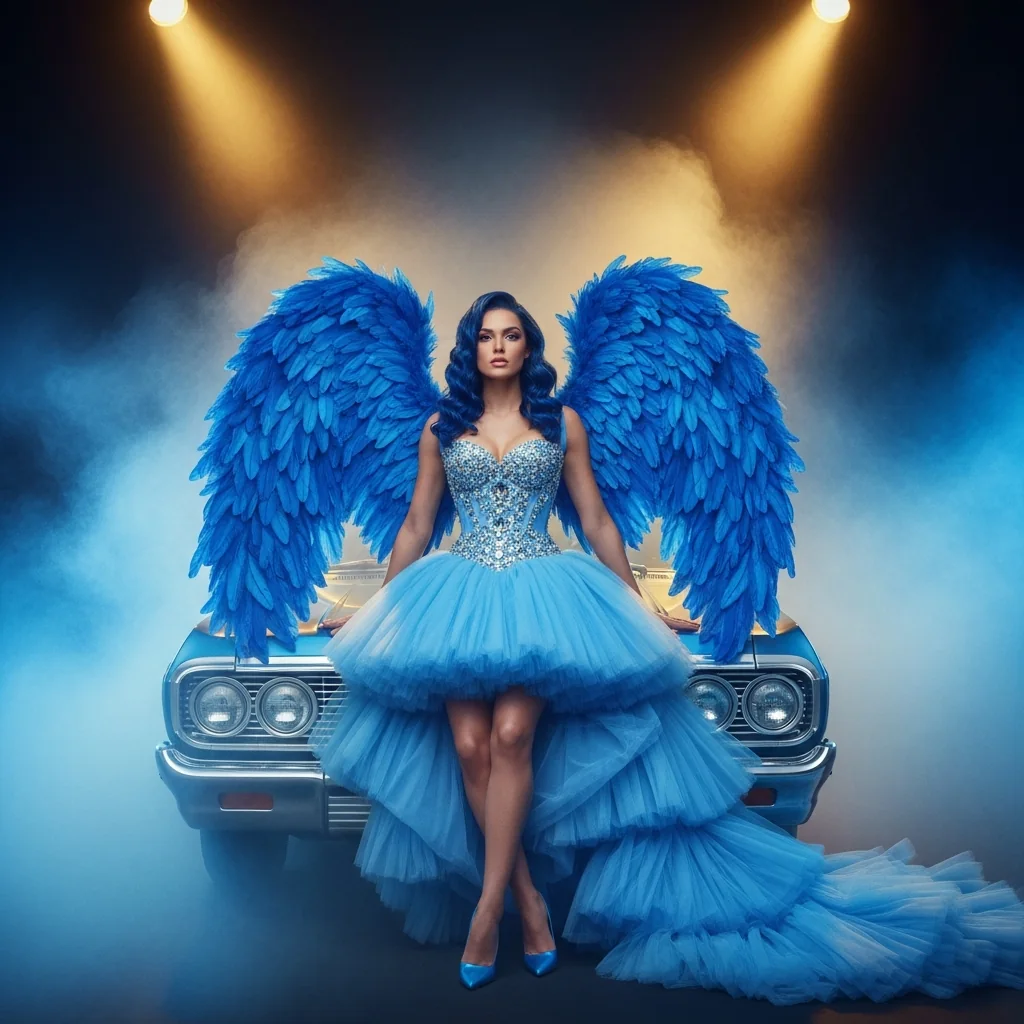 AIVIP
AIVIP时尚中的神圣力量:天使魅力
#摄影#创意#Edit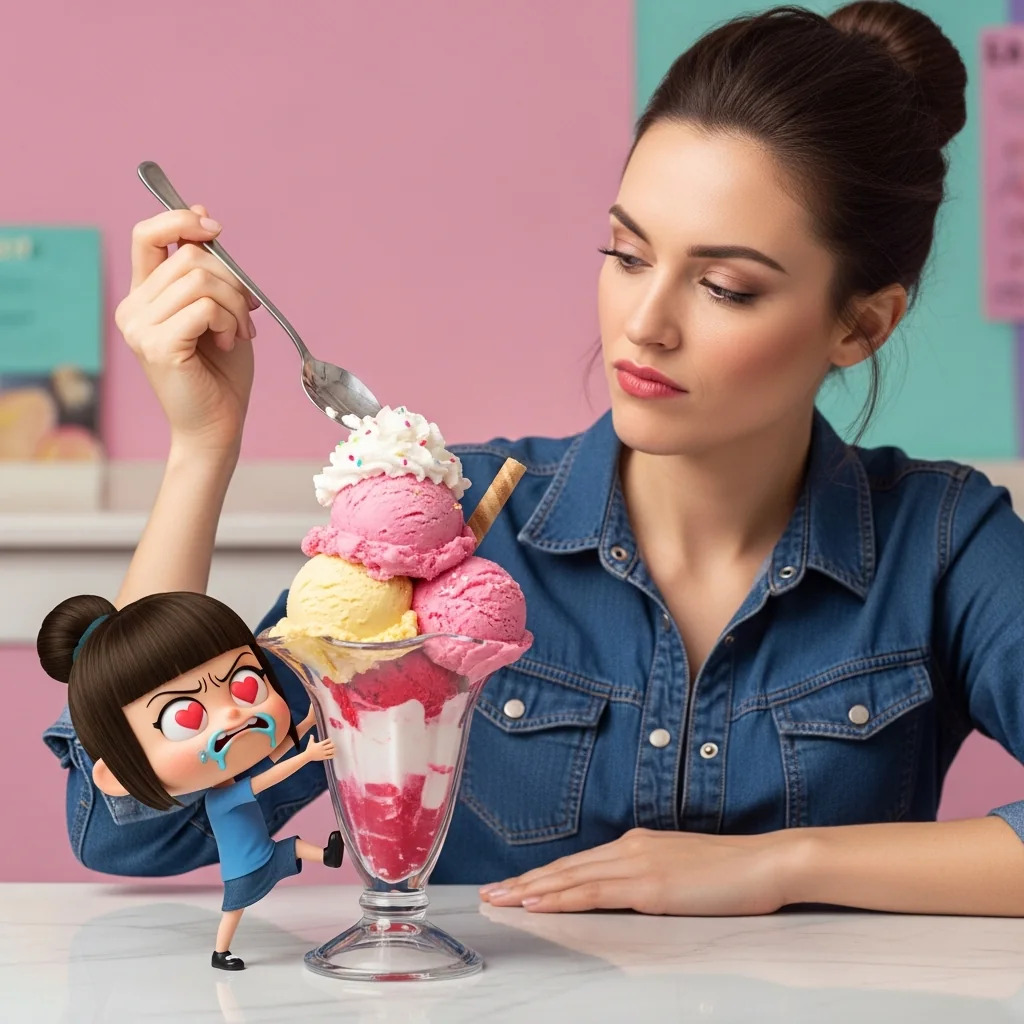 AI
AI甜点大盗:萌系冰淇淋对决
#摄影#创意#Edit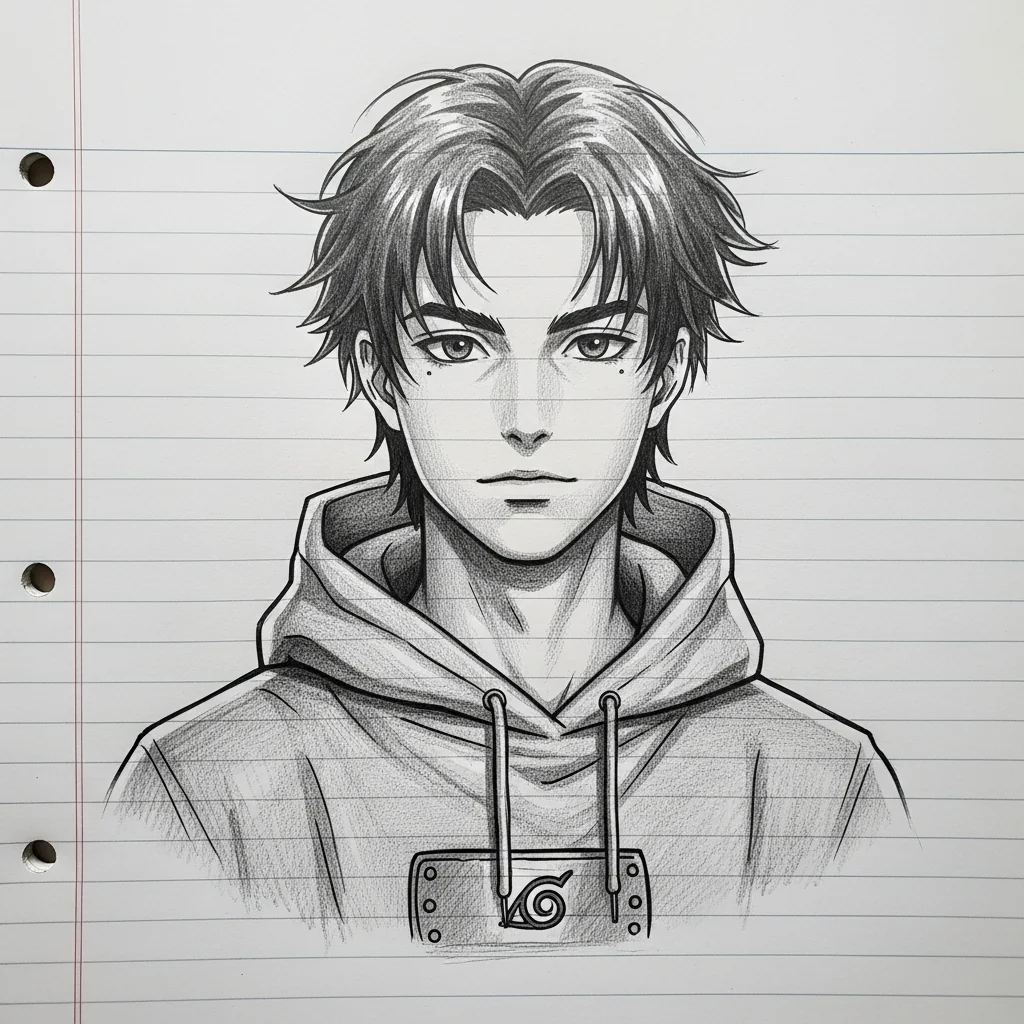 AI
AI铅笔艺术:风格转变
#创意#Edit#摄影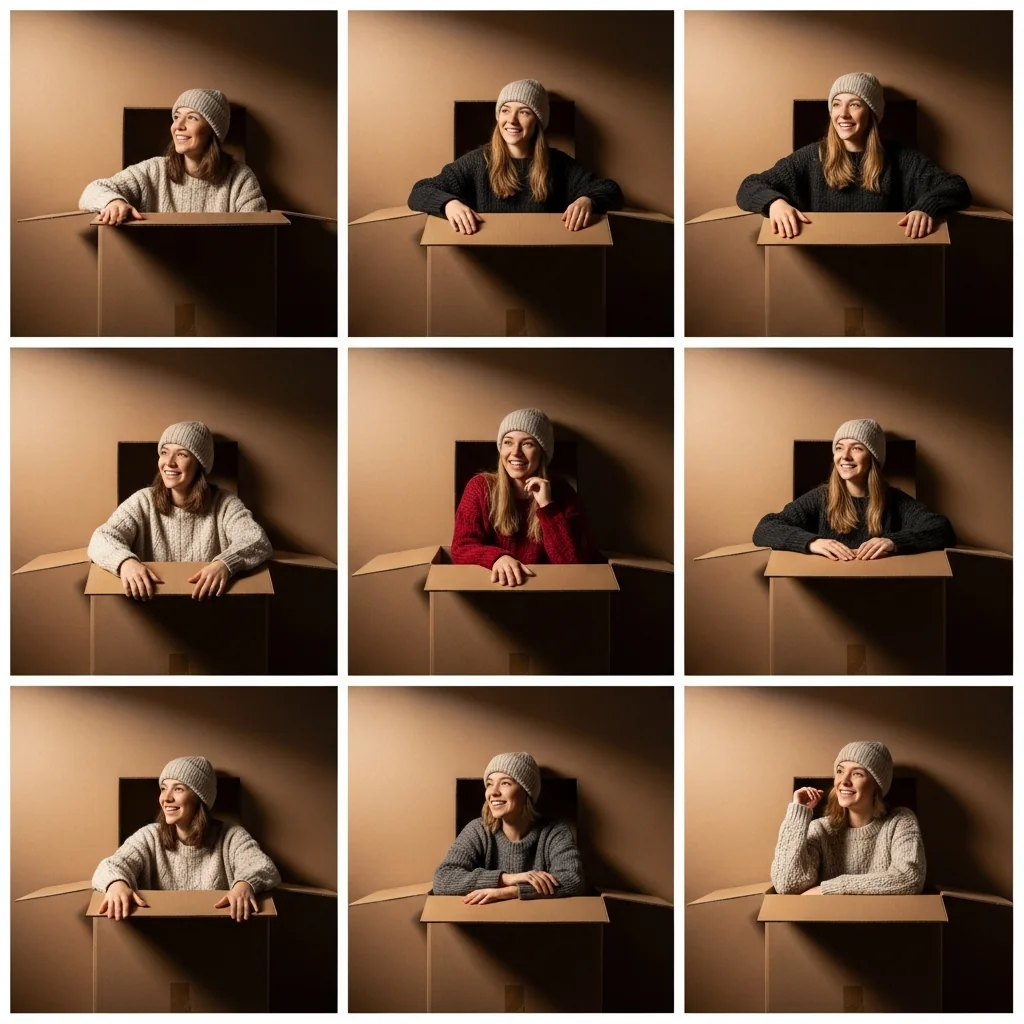 AI
AI舒适纸板拼贴:九宫格中的人物
#摄影#创意#Edit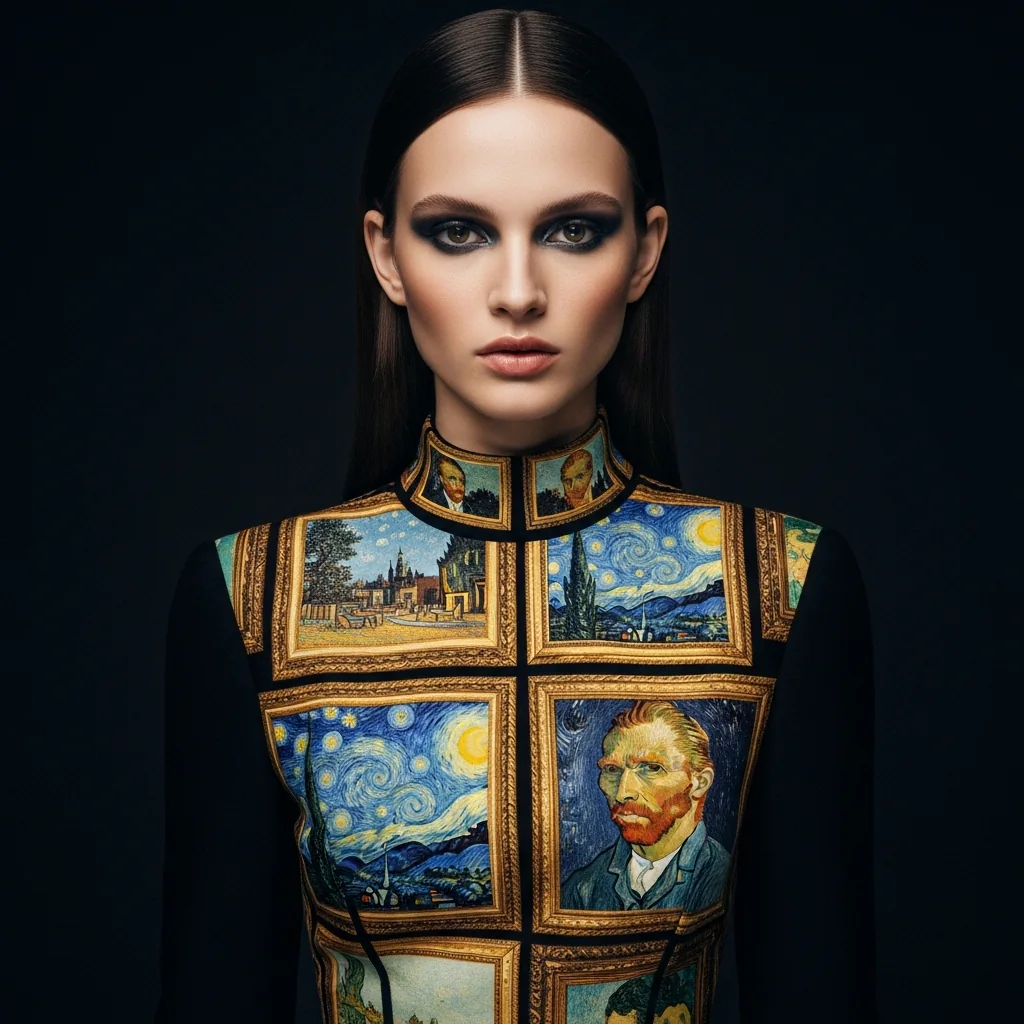 AIVIP
AIVIP艺术时装:名画镶嵌设计
#摄影#创意#Edit